Courses
Courses are structured, self-paced learning journeys that combine theory and hands-on practice into a single guided sequence.
Where a Tutorial covers one focused topic and a Challenge hands you one hands-on problem to solve, a Course ties many of tutorial-like lessons and complementary challenges together into an ordered curriculum. You move through it lesson by lesson, reading the material, running commands in a Playground, and solving Challenges to prove you've understood each part before continuing.
This makes a Course the most complete of the learning formats - the perfect blend of theory and practice for going deep on a subject.
What a Course looks like
A Course is a sequence of Lessons, with linked Challenges along the way.
Format-wise, a Lesson is very similar to a Tutorial: a long-form, guided article with explanations, diagrams, reproducible commands, and an interactive Playground attached. You read it, follow along in the Playground, and build up the concepts step by step.
Between (or within) Lessons, a Course points you at Challenges - bite-sized problems that ask you to apply what you've just learned without a guided walkthrough.
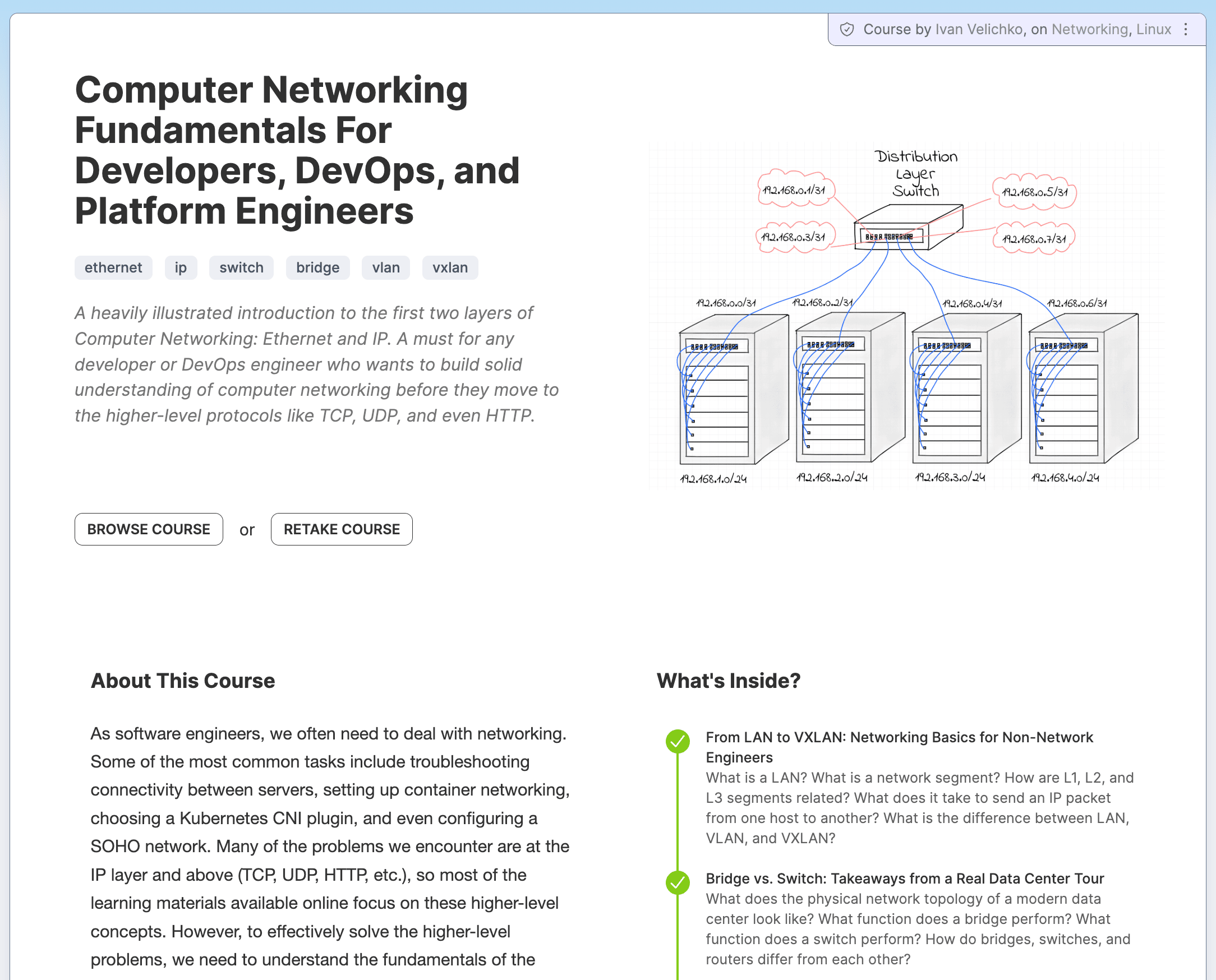
Course example: Computer Networking Fundamentals For Developers
Lessons and Challenges
A Course interleaves two kinds of material:
- Lessons teach. They explain the concepts and let you follow along in a Playground, just like a Tutorial.
- Challenges verify and reinforce. They give you a problem and check the final state of the Playground, often providing extra hints and theoretical explanations on the way.
The combination is what sets Courses apart. You're not only reading and nodding along:
You have to actually do the thing (complete the linked Challenges) before the Course considers a Lesson complete.
Completion criteria
Courses have stricter completion criteria than Tutorials or Challenges on their own.
To progress through a Course, you typically need to solve the Challenges linked to each Lesson before moving forward. Reading the Lesson is not enough - you have to demonstrate the skill in a real Linux system by solving the Challenges.
This gating is intentional. It keeps you from skimming ahead and ensures that by the time you finish a Course, you've genuinely practiced everything it covers - not just read about it.
Progress and your dashboard
Your progress through a Course is tracked automatically.
Completed Lessons and solved Challenges are recorded as you go, so you can always see how far you are and pick up exactly where you left off. The overall status of a Course - started and completed - is reflected in your personal dashboard.
To start a Course's Playgrounds, solve its Challenges, and have your progress saved, you need to be signed in. Published Lessons can usually be read like articles without an account.
How to approach Courses
Courses reward steady, active work rather than binge-reading.
You'll get the most out of a Course if you:
- Run the Lesson commands yourself instead of just reading them
- Pause to inspect the system between steps (files, processes, logs, cluster state)
- Treat the linked Challenges as real tasks, not formalities
- Resist jumping ahead before the current Lesson's Challenges are solved
- Come back across several sessions - a Course is self-paced for a reason
As with Challenges and Tutorials, handing the Challenges to an autonomous coding agent will technically mark them complete, but the learning happens in the doing.
When to use Courses
Reach for a Course when you want to:
- Go deep on a topic instead of sampling it
- Build skills in a deliberate, ordered way
- Make sure theory is backed by hands-on practice at every step
- Follow a curated path rather than assembling one yourself from individual Tutorials and Challenges
If a Course feels too advanced, study the prerequisites first - browse related Tutorials or warm up with a few easy Challenges on the same topic.
Courses, Tutorials, and Challenges
Courses are one of several learning formats on iximiuz Labs.
Challenges start with a problem and ask you to solve it in a prepared Playground.
Tutorials are long-form, guided articles that explain a topic and let you follow along in a Playground.
Courses combine Tutorial-like Lessons and Challenges into a structured sequence, with stricter completion criteria that require solving the linked Challenges to move forward.
If you prefer to assemble your own path, Skill Paths offer looser, more flexible ways to combine the same materials.
Where to start
Browse the catalog and pick a Course that matches your interests and current level.
- Previous
- Tutorials
- Next
- Skill Paths