Run Omakub and use it via XRDP Playground

A ubuntu server configured to run omakub
- eth0
- /
- snapshot
Run Omakub and use it via xrdp Or Apache Guacamole👨💻
From official Source : Turn a fresh Ubuntu installation into a fully-configured, beautiful, and modern web development system by running a single command. That's the one-line pitch for Omakub. No need to write bespoke configs for every essential tool just to get started or to be up on all the latest command-line tools. Omakub is an opinionated take on what Linux can be at its best.
Watch the introduction video and read more at omakub.org.
Use it in webbrowser without rdp client
- start the machine
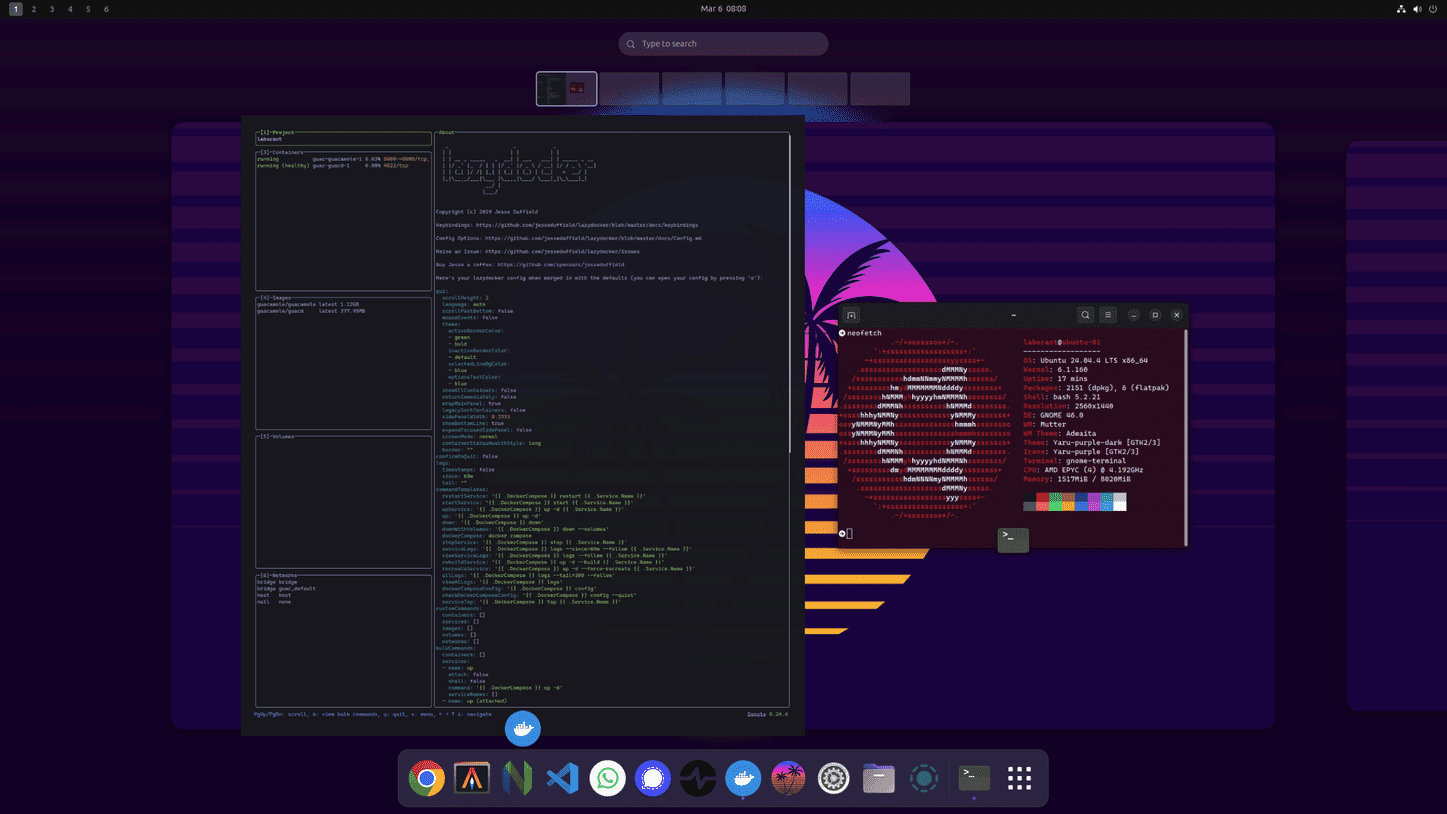
- docker containers are already running and ports are published
- expose the host port 8080 in the playground
- you can now access desktop at https://EXPOSED_URL/guacamole
- guacamole :
username:guacadmin
password:guacadmin
this opens xorg login session
Now you enter your linux username and password laborant / laborant.
explore the ~/guac directory and play with user-settings.xml by learning about apache guacamole Here
Use it with RDP clients
- Start th Playground
- From you local env run
labctl port-forward <playground_id> -L 3389:3389 - Open RDP client to connect to
localhost:3389
username :laborant
password:laborant
How This playground was provisioned
- This playground was created by running an existing playgound
- Rerunning this script
- And then starting the omakub installation via
wget -qO- https://omakub.org/install | bash - In a rdp environment it's likely that this script will fail because of issue related to Polkit authentication agent
so I had to run these two commands again when the script failed .
sudo flatpak install -y flathub org.gnome.Platform//49 sudo flatpak install -y flathub com.github.PintaProject.Pinta - Then rerunning the script via
source ~/.local/share/omakub/install.sh
Enjoy playing with a Omakub Playground !!
A real VM, not a container
Get root on a VM with its own kernel, so Docker, Kubernetes, and systemd just work.
Read the docs →
SSH from browser or CLI
Use the built-in web terminal, or connect with labctl ssh, plain ssh, scp, or rsync.
Read the docs →
Drive it with AI
Let Claude, Codex, or any MCP client start this playground and run commands in it.
Read the docs →
Expose HTTP(S) ports
Give any web app running inside the VM a public URL - for yourself or to share with others.
Read the docs →
Share terminals
Invite others into your terminal session, or open it yourself from another device.
Read the docs →
Customize with init scripts
Add shell scripts that run at boot to install packages, clone repos, or seed test data.
Read the docs →
Private networking
VMs reach the internet via NAT with no public IP; several VMs share bridge networks.
Read the docs →
Ephemeral or persistent
By default, VMs are destroyed when the session ends; enable persistence to keep the disks for next time.
Read the docs →
Built-in container registry
A private registry.iximiuz.com for every playground to share images across services and VMs.
Read the docs →