ShellGym Playground
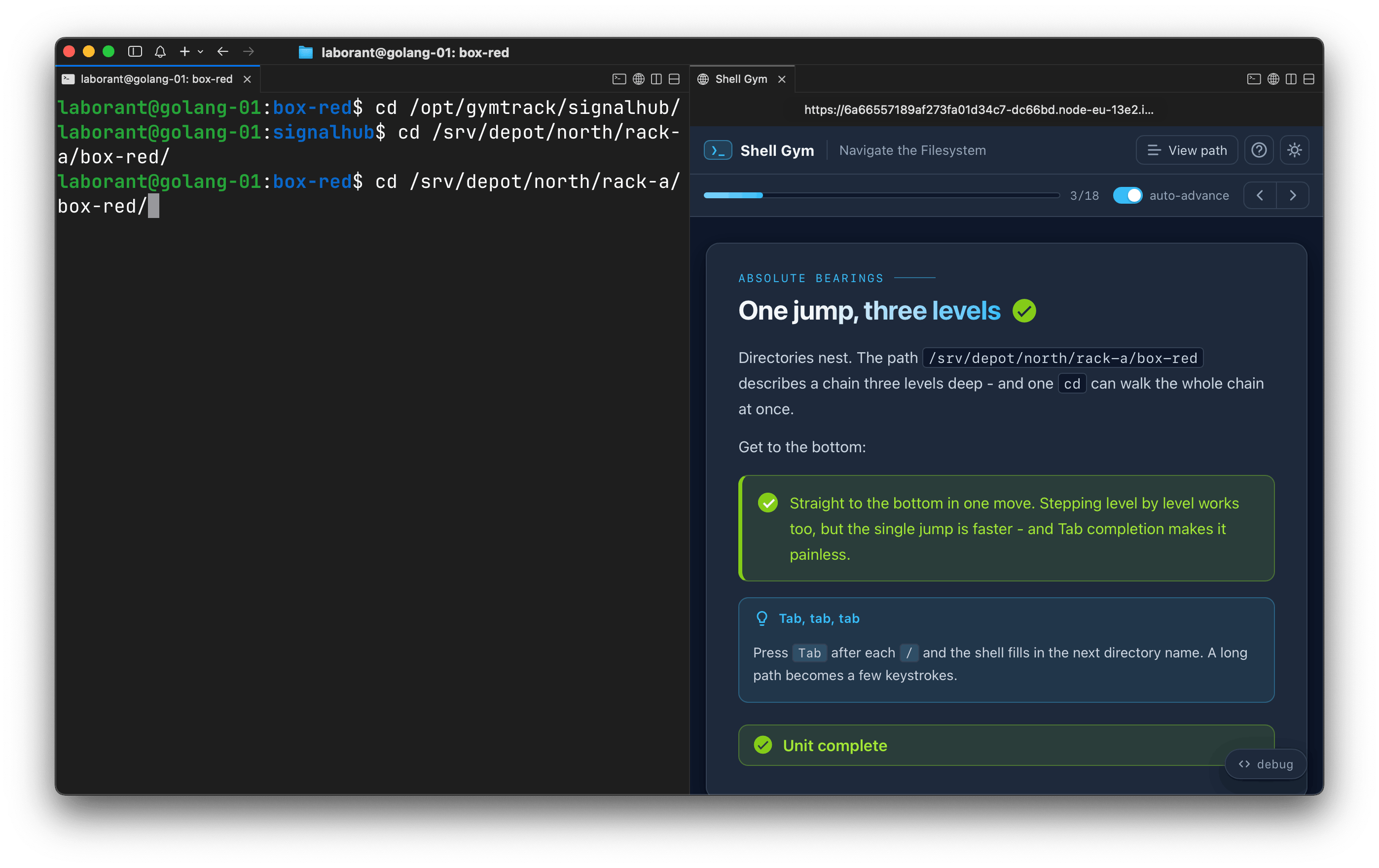
Try ShellGym - an interactive Linux command-line trainer - in a ready-made Ubuntu VM: daemon running, web UI open, sample learning path loaded.
- eth0
- /
- golang
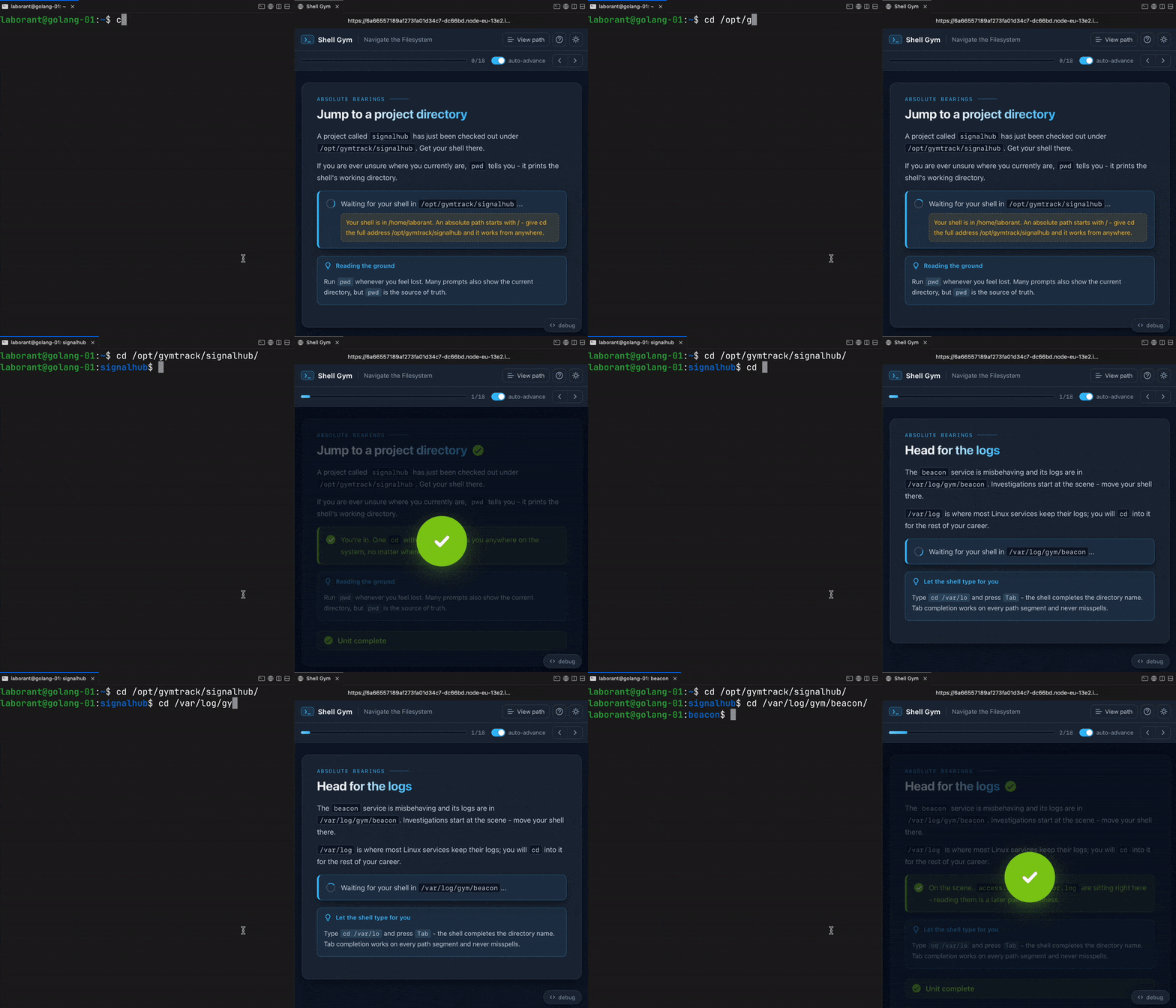
ShellGym is an interactive Linux command-line trainer: a daemon that watches your shell from the outside (no prompt hooks, no wrappers) and serves a web UI with small, fast-changing assignments - reps. Each rep asks for one concrete action (enter a directory, create a file, kill a process, free a port) and completes automatically the moment the system state changes. No "check" buttons, no copy-paste - just real commands in a real shell.
This playground is a vanilla Ubuntu VM with Go and a few lightweight dev tools
preinstalled. The shellgym repo is cloned to
~/shellgym, built from the main branch, and launched in the background
(systemctl status shellgym), with its web UI already open on the right -
the split-screen view ShellGym is designed for, with zero setup.
Use it to:
- Try ShellGym without installing anything - the sample Linux 101 paths are loaded, and the selected one is started on the VM's boot.
- Hack on ShellGym - modify the code or the bundled learning paths, then
sudo systemctl stop shellgym, rebuild (see the Makefile), and restart. - Author new learning paths - the format is agent-friendly: run
shellgym skillsto print the embedded authoring guides for AI-assisted content work.
A real VM, not a container
Get root on a VM with its own kernel, so Docker, Kubernetes, and systemd just work.
Read the docs →
SSH from browser or CLI
Use the built-in web terminal, or connect with labctl ssh, plain ssh, scp, or rsync.
Read the docs →
Drive it with AI
Let Claude, Codex, or any MCP client start this playground and run commands in it.
Read the docs →
Expose HTTP(S) ports
Give any web app running inside the VM a public URL - for yourself or to share with others.
Read the docs →
Share terminals
Invite others into your terminal session, or open it yourself from another device.
Read the docs →
Customize with init scripts
Add shell scripts that run at boot to install packages, clone repos, or seed test data.
Read the docs →
Private networking
VMs reach the internet via NAT with no public IP; several VMs share bridge networks.
Read the docs →
Ephemeral or persistent
By default, VMs are destroyed when the session ends; enable persistence to keep the disks for next time.
Read the docs →
Built-in container registry
A private registry.iximiuz.com for every playground to share images across services and VMs.
Read the docs →