SilverStack Jenkins Server Playground

Production-grade Jenkins LTS on Ubuntu 24.04 - systemd-booted, Nginx-proxied, Cloudflare-ready, zero setup required.
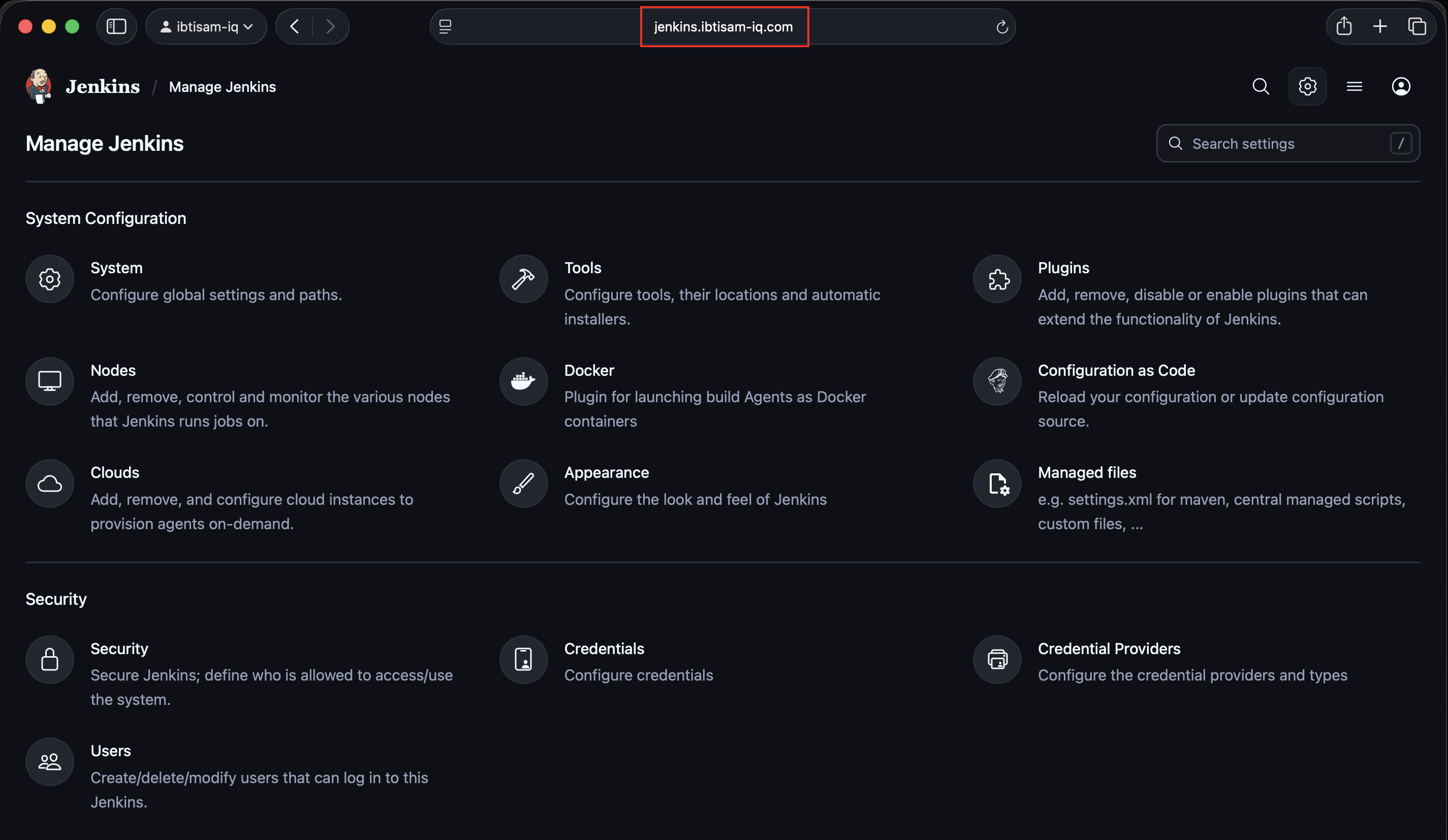
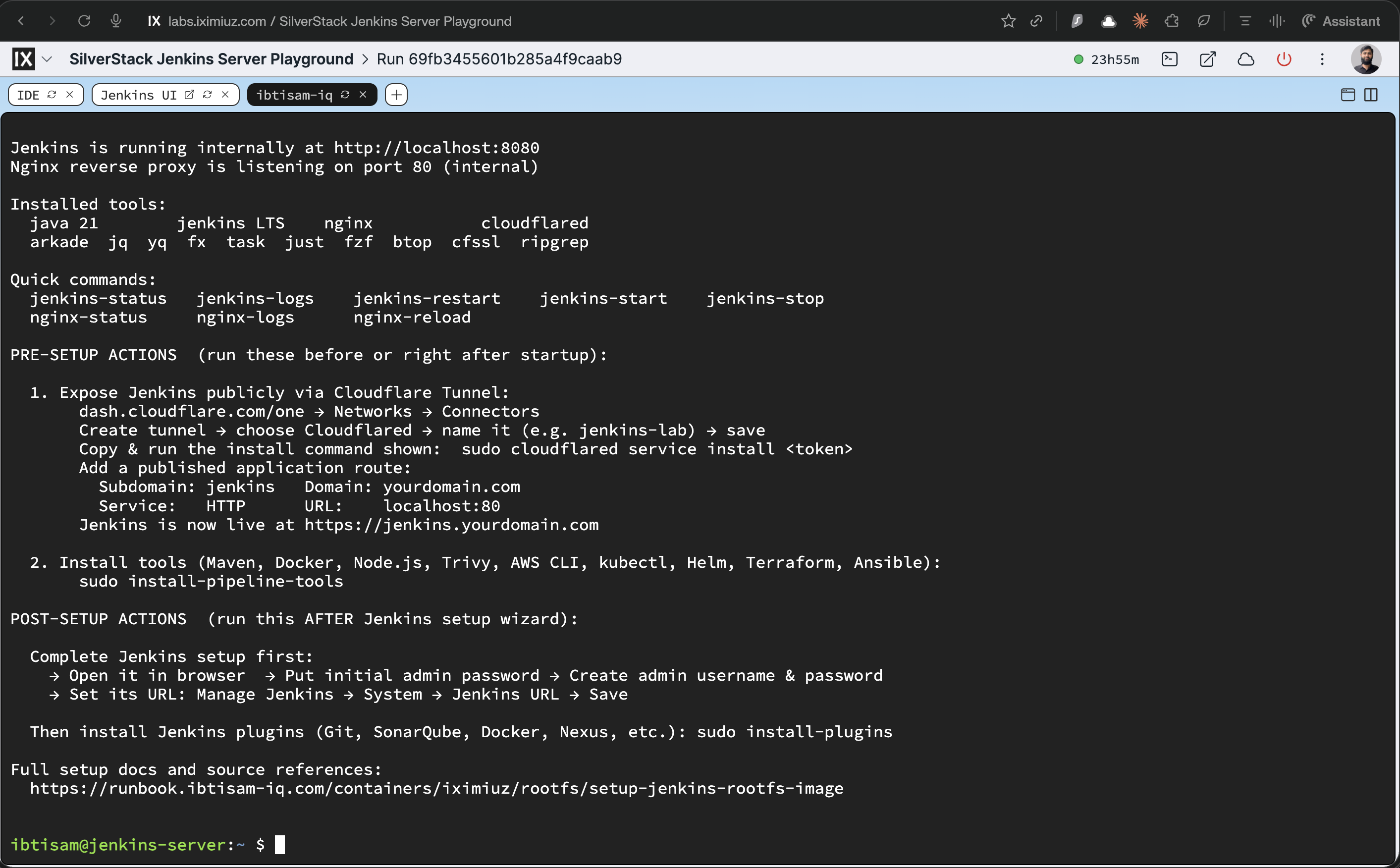
- Pipeline tools and plugins are not baked in - kept intentionally lean.
- Two post-setup scripts are on
PATHand ready to run after boot.
Stack
| Layer | Detail |
|---|---|
| OS | Ubuntu 24.04 · systemd PID 1 |
| Runtime | Java 21 (OpenJDK) |
| Service | Jenkins LTS · runs as jenkins user |
| Proxy | Nginx :80 → Jenkins :8080 |
| Tunnel | cloudflared pre-installed |
Boot sequence
systemd
  └── lab-init   (oneshot) - SSH keys, /run dirs
        └── nginx            - reverse proxy on :80
              └── jenkins    - CI server on :8080
- Jenkins takes 60–90 seconds to fully initialize on first boot.
- The Jenkins UI tab may show a loading screen during this period - this is normal.
Post-setup scripts (run after boot, not during build)
install-pipeline-tools   # Maven, Docker, kubectl, Helm, and more
install-plugins          # Recommended Jenkins plugin set
Accessing Jenkins
Inside the lab: click the Jenkins UI tab. That's it.
- The ↗ arrow on the tab opens Jenkins in a new browser tab - but only after the Jenkins UI tab has loaded inside the lab first.
Public URL: cloudflared is pre-installed. Install a tunnel token and
point the route to localhost:80 for SSL access on your own domain.
First boot credentials
cat /var/lib/jenkins/secrets/initialAdminPassword
Resources · 4 vCPU / 10 GiB RAM / 50 GiB disk
Docs
A real VM, not a container
Get root on a VM with its own kernel, so Docker, Kubernetes, and systemd just work.
Read the docs →
SSH from browser or CLI
Use the built-in web terminal, or connect with labctl ssh, plain ssh, scp, or rsync.
Read the docs →
Drive it with AI
Let Claude, Codex, or any MCP client start this playground and run commands in it.
Read the docs →
Expose HTTP(S) ports
Give any web app running inside the VM a public URL - for yourself or to share with others.
Read the docs →
Share terminals
Invite others into your terminal session, or open it yourself from another device.
Read the docs →
Customize with init scripts
Add shell scripts that run at boot to install packages, clone repos, or seed test data.
Read the docs →
Private networking
VMs reach the internet via NAT with no public IP; several VMs share bridge networks.
Read the docs →
Ephemeral or persistent
By default, VMs are destroyed when the session ends; enable persistence to keep the disks for next time.
Read the docs →
Built-in container registry
A private registry.iximiuz.com for every playground to share images across services and VMs.
Read the docs →