SilverStack CI/CD Stack Playground

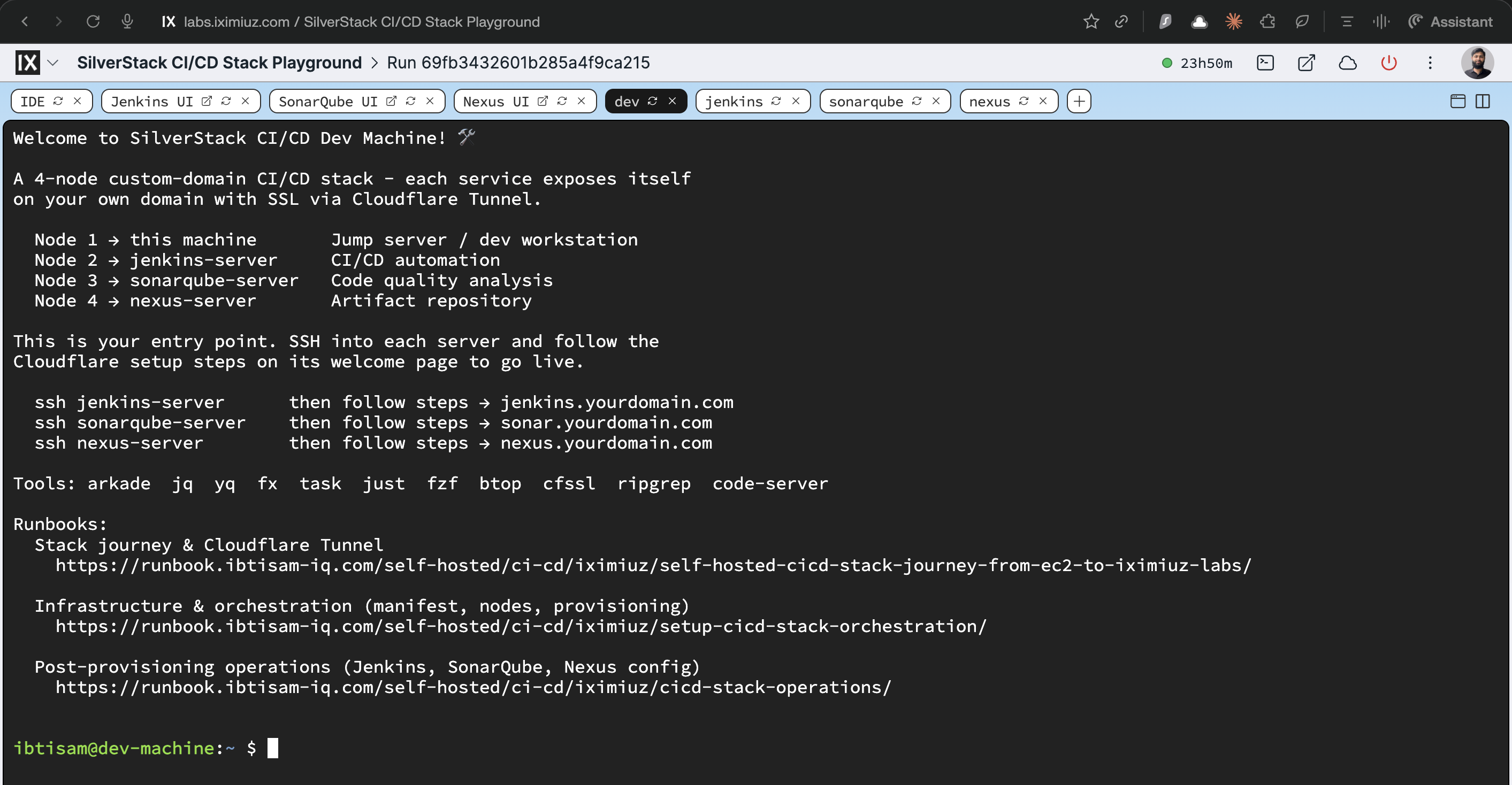
A fully composed 4-node CI/CD platform - Jenkins, SonarQube, Nexus, and a Dev Machine, all running in a single Flexbox playground on a shared private network. Each service is Nginx-proxied and Cloudflare-ready. Zero setup required.
- eth0
- /
- oci://ghcr.io/ibtisam-iq/dev-cicd-rootfs:latest
- eth0
- /
- oci://ghcr.io/ibtisam-iq/jenkins-rootfs:latest
- eth0
- /
- oci://ghcr.io/ibtisam-iq/sonarqube-rootfs:latest
- eth0
- /
- oci://ghcr.io/ibtisam-iq/nexus-rootfs:latest
Nodes
| Node | Image | CPU | RAM | Disk | Role |
|---|---|---|---|---|---|
dev-machine | dev-cicd-rootfs | 1 vCPU | 1 GiB | 30 GiB | Jump host · entry point |
jenkins-server | jenkins-rootfs | 3 vCPU | 4 GiB | 40 GiB | Jenkins LTS · CI/CD orchestrator |
sonarqube-server | sonarqube-rootfs | 3 vCPU | 6 GiB | 40 GiB | SonarQube 26.2 CE + PostgreSQL 18 |
nexus-server | nexus-rootfs | 3 vCPU | 5 GiB | 40 GiB | Nexus 3.89.1 CE · artifact registry |
Total: 10 vCPU · 16 GiB RAM · 150 GiB disk - exactly the Flexbox budget.
How it works
All four nodes share a local network (172.16.0.0/24). SSH directly between nodes
by name from the Dev Machine:
ssh jenkins-server      then follow steps → jenkins.yourdomain.com
ssh sonarqube-server    then follow steps → sonar.yourdomain.com
ssh nexus-server        then follow steps → nexus.yourdomain.com
Each service is accessible via a dedicated UI tab in the playground (port 80 via Nginx).
For public access on your own domain, cloudflared is pre-installed on each service node.
Tabs
8 tabs pre-defined: IDE · dev · jenkins · sonarqube · nexus terminals + Jenkins UI · SonarQube UI · Nexus UI
- The ↗ arrow on each UI tab opens the service in a new browser tab - but only after the tab has been clicked and loaded inside the lab first.
Boot times (first boot)
| Service | Wait time |
|---|---|
| Jenkins | ~60–90 s |
| SonarQube | ~2–3 min (Elasticsearch) |
| Nexus | ~60–90 s |
Resources · 10 vCPU / 16 GiB RAM / 150 GiB disk (Flexbox)
Docs
- Orchestration runbook: https://runbook.ibtisam-iq.com/self-hosted/ci-cd/iximiuz/setup-cicd-stack-orchestration/
- Operations runbook: https://runbook.ibtisam-iq.com/self-hosted/ci-cd/iximiuz/cicd-stack-operations/
A real VM, not a container
Get root on a VM with its own kernel, so Docker, Kubernetes, and systemd just work.
Read the docs →
SSH from browser or CLI
Use the built-in web terminal, or connect with labctl ssh, plain ssh, scp, or rsync.
Read the docs →
Drive it with AI
Let Claude, Codex, or any MCP client start this playground and run commands in it.
Read the docs →
Expose HTTP(S) ports
Give any web app running inside the VM a public URL - for yourself or to share with others.
Read the docs →
Share terminals
Invite others into your terminal session, or open it yourself from another device.
Read the docs →
Customize with init scripts
Add shell scripts that run at boot to install packages, clone repos, or seed test data.
Read the docs →
Private networking
VMs reach the internet via NAT with no public IP; several VMs share bridge networks.
Read the docs →
Ephemeral or persistent
By default, VMs are destroyed when the session ends; enable persistence to keep the disks for next time.
Read the docs →
Built-in container registry
A private registry.iximiuz.com for every playground to share images across services and VMs.
Read the docs →