Tutorials

Deep dives into DevOps and Server Side topics where theory blends with hands-on examples. You can try out commands from each tutorial in the attached remote playground, either from the browser or via SSH access from your local terminal — no extra setup required.

Collection
Category
Tutorial

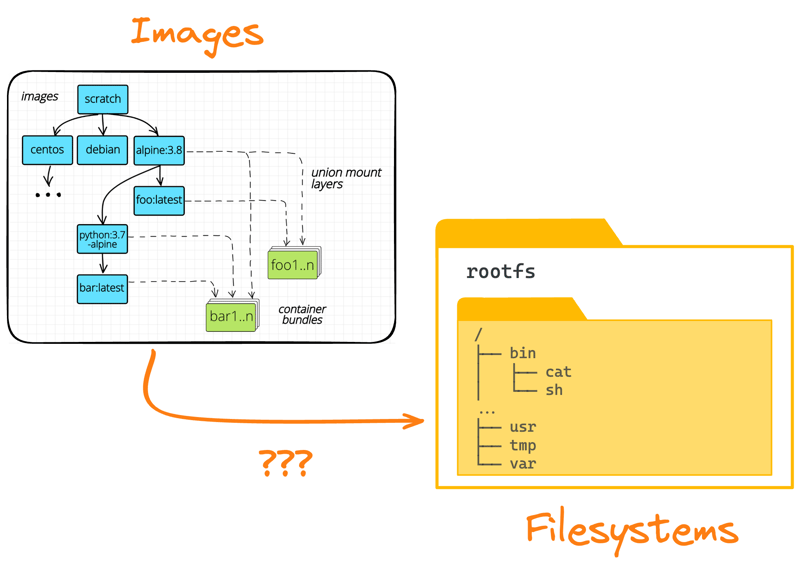
How Container Filesystem Works: Building a Docker-like Container From Scratch

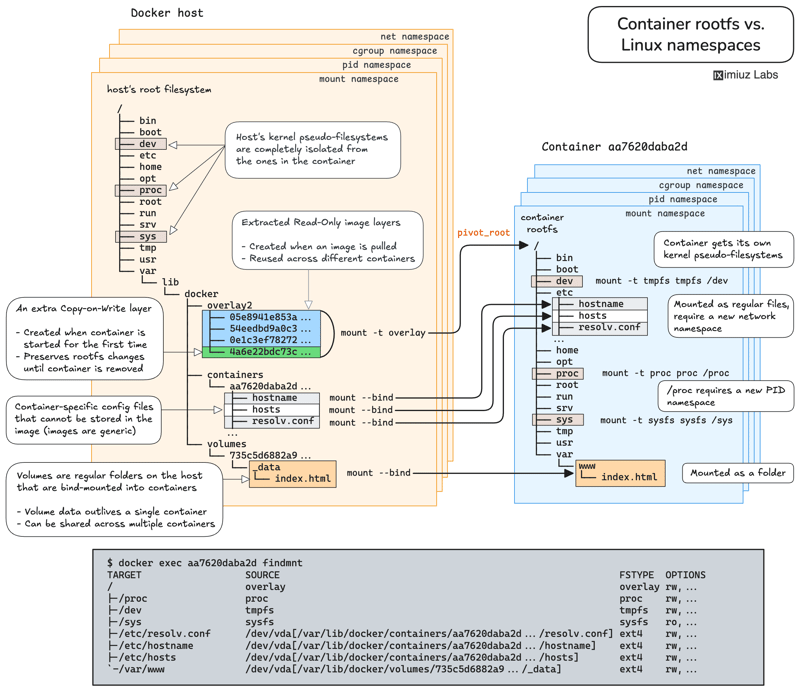
Learn how Linux containers are built from the ground up. Starting with the mount namespace and a root filesystem, see why PID, cgroup, UTS, and network namespaces naturally follow - and how this foundation makes concepts like bind mounts, volumes, and persistence in Docker or Kubernetes much easier to grasp.
How Container Filesystem Works: Building a Docker-like Container From Scratch (cover image)
Tutorial

How to Build Smaller Container Images: Docker Multi-Stage Builds

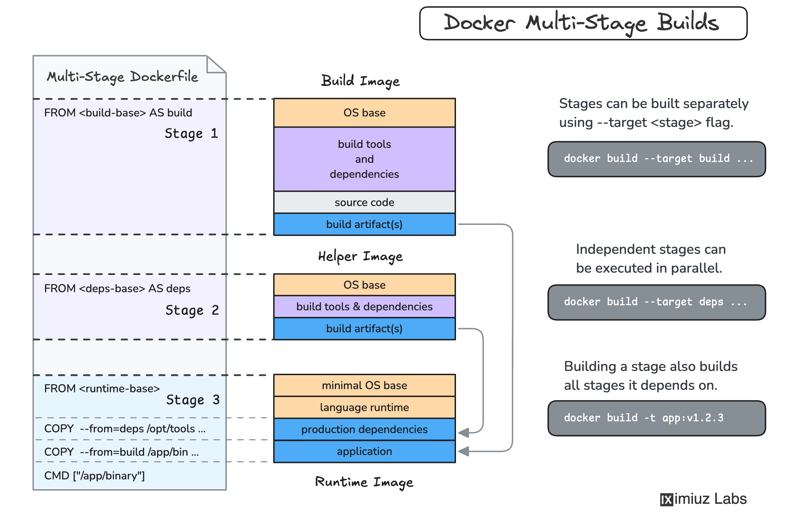
Learn how to build smaller, more secure Docker container images using Multi-Stage Builds. This guide explains common sources of image bloat, best practices for slimming down production images, and practical examples for Node.js, Go, Rust, and other application stacks. Start optimizing your containers today!

How to Build Smaller Container Images: Docker Multi-Stage Builds (cover image)
Tutorial

A Deeper Look into Node.js Docker Images: Help, My Node Image Has Python!

Choosing the right base image for your Node.js application can drastically affect its security, size, and performance. This post breaks down popular options - from slim and distroless to full-sized images - helping you navigate the trade-offs and pick the best fit for your development, build, and production needs.

A Deeper Look into Node.js Docker Images: Help, My Node Image Has Python! (cover image)
Tutorial

Harden Access to OpenClaw with Pomerium

Put OpenClaw, a self-hosted AI assistant with shell and file access, behind a web route and an SSH route, both gated by the same identity and Pomerium's context-aware policy. OpenClaw runs in trusted-proxy mode, trusting signed identity headers instead of its own login, while Pomerium's native SSH proxy signs short-lived certificates for shell access.

Harden Access to OpenClaw with Pomerium (cover image)
Tutorial

Kubernetes Debugging with DebugBox: Right-Sized Containers for Every Scenario

Most Kubernetes debugging images ship as a single 200+ MB package. DebugBox takes a different approach: three variants (15 MB, 47 MB, 91 MB) each scoped to a specific debugging task. This tutorial covers when to use lite, balanced, and power, how to run each as an ephemeral container or debug pod, and what tools are available in each variant.

Kubernetes Debugging with DebugBox: Right-Sized Containers for Every Scenario (cover image)
Tutorial

Native SSH Reverse Tunneling with Pomerium

Use Pomerium's native SSH support to publish a local service through a standard reverse SSH tunnel, with OpenID Connect (OIDC) authentication and continuous authorization on every request. Reach services behind Network Address Translation (NAT) without firewall holes or custom agents, and control both who can use the service and who can open the tunnel. Application traffic stays on infrastructure you control.

Native SSH Reverse Tunneling with Pomerium (cover image)
Tutorial

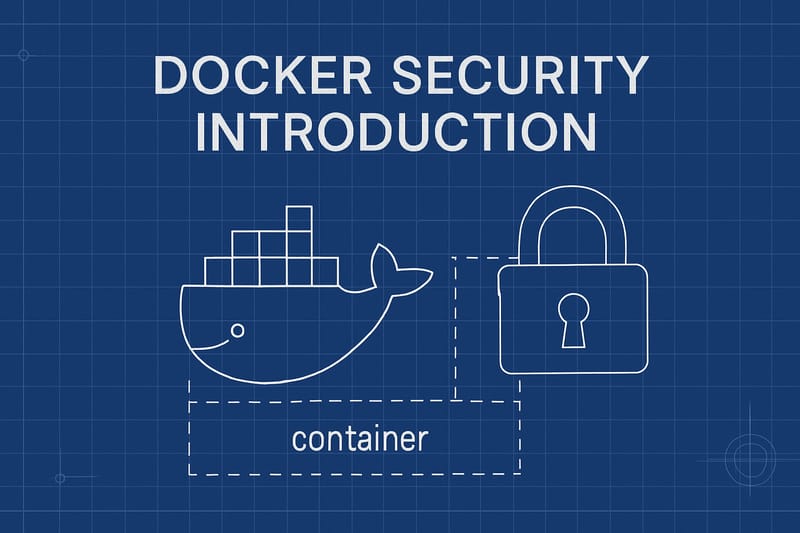
An Introduction to Docker Security

In this tutorial, we'll dive into the world of Docker Security, look at the attack surface of a Docker installation and show some straightforward container breakouts

An Introduction to Docker Security (cover image)
Tutorial

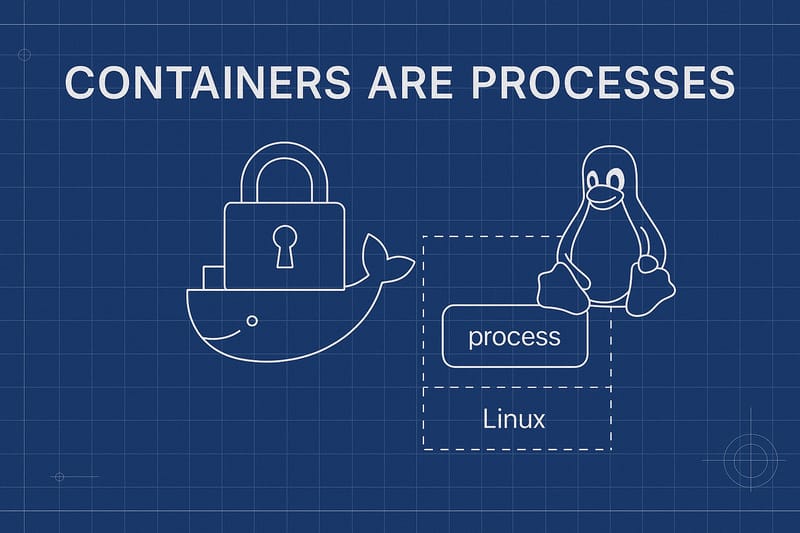
Containers are processes

In this brief tutorial we'll explore the idea that Docker containers are just processes, from the perspective of the operating system. Based on this Securitylabs blog post https://securitylabs.datadoghq.com/articles/container-security-fundamentals-part-1/

Containers are processes (cover image)