See How Packets Cross Netfilter Hooks

Every packet that enters or leaves a Linux machine crosses a few fixed points in the kernel's network stack.
These points are called netfilter hooks, and iptables and nftables rules are attached to them.
In this tutorial, you will send traffic between two machines and watch which hooks every packet crosses.
The Playground
The playground has two machines on the same network:
- The
clientmachine (172.16.0.10) is where you will send the traffic from. - The
servermachine (172.16.0.20) runs a web server on port8080.
The server machine also runs a packet path visualizer.
It traces the packets that the client sends or receives and draws their path through the hooks.
The diagrams in this tutorial are live views of it.
The Five Hooks
The IP layer of the kernel has five hooks:
| Hook | Which packets cross it |
|---|---|
PREROUTING | Every packet that arrives on a network interface |
INPUT | Packets addressed to this machine, before a local process gets them |
FORWARD | Packets addressed to another machine, when this machine routes them |
OUTPUT | Packets that a local process sends |
POSTROUTING | Every packet that is about to leave through a network interface |
A routing decision after PREROUTING tells whether a packet is for this machine (INPUT) or for another one (FORWARD).
Incoming Packets
Send an HTTP request from the client machine to the web server:
curl http://172.16.0.20:8080/
A single request is over in a moment. To keep the packets coming, repeat the request every two seconds:
while true; do curl -s -m 2 -o /dev/null http://172.16.0.20:8080/; sleep 2; done
Leave the loop running and watch the packets that arrive on the server's eth0 interface:
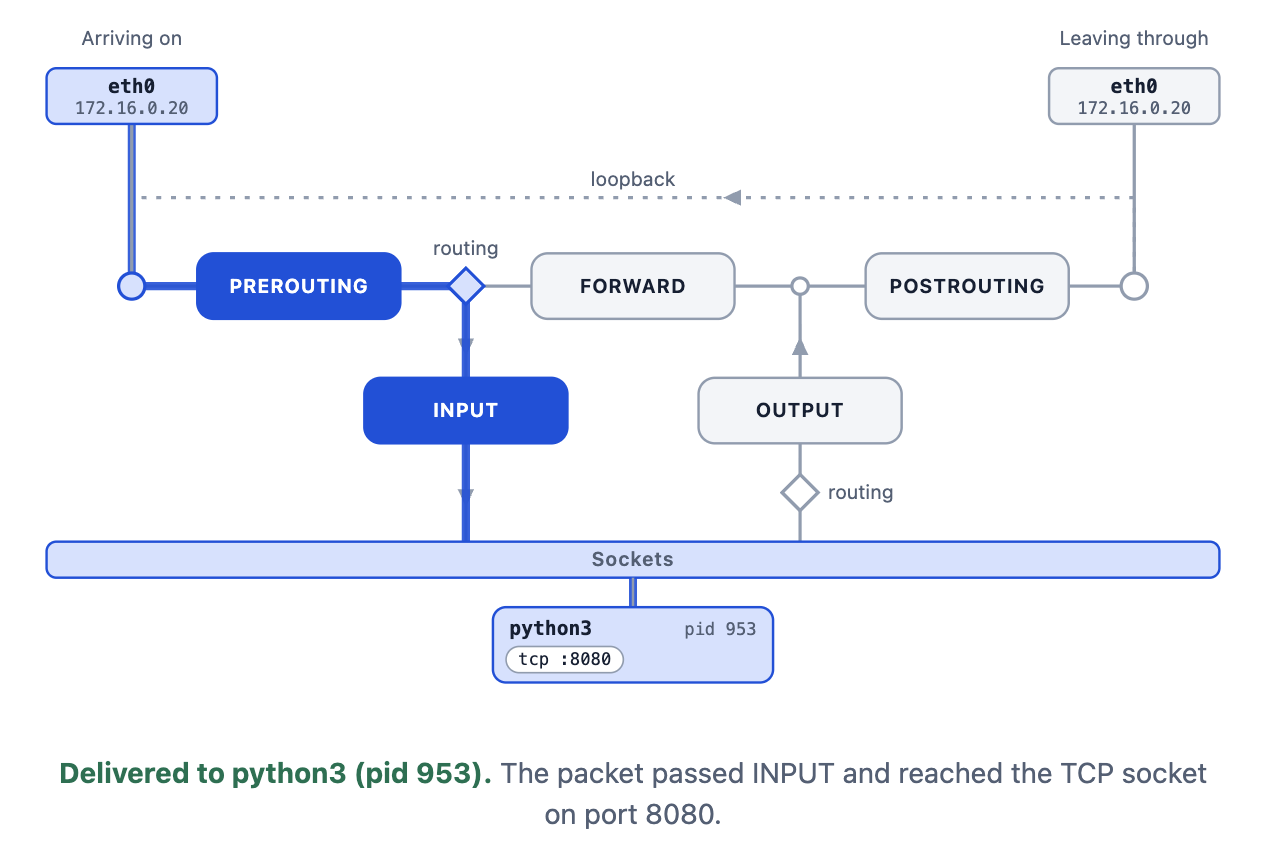
Every packet of the client lights up the same path:
- The packet arrives on the
eth0interface. - It crosses the
PREROUTINGhook. - The routing decision finds that
172.16.0.20is an address of this machine. - The packet crosses the
INPUThook. - It reaches the socket of the
python3process that listens on port8080.
One HTTP request is several TCP packets: the SYN that opens the connection, the packet with the request, and a few ACK and FIN packets.
All of them take the same path.
Outgoing Packets
The web server answers every request, so the server machine sends packets, too.
This diagram shows the packets that leave through eth0:
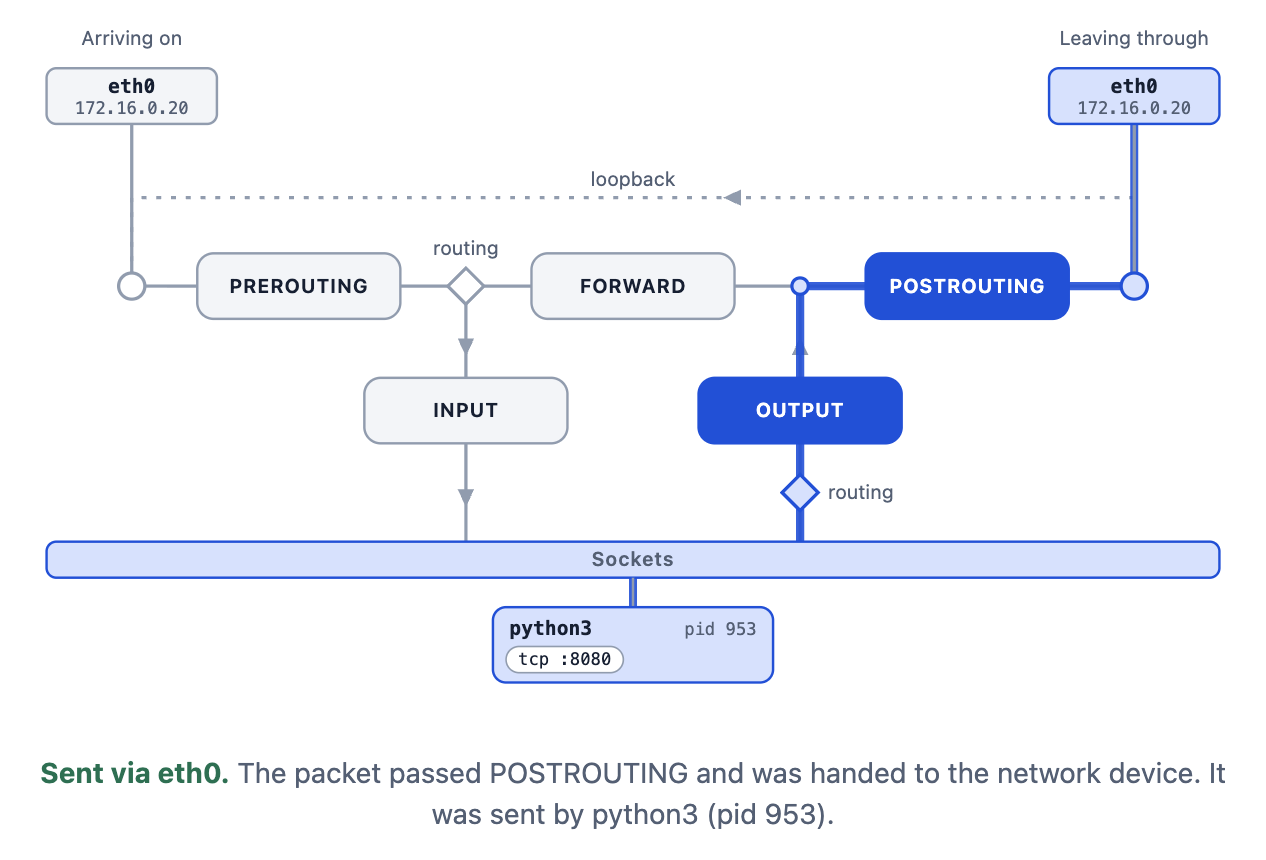
- The
python3process writes to its socket. - A routing decision picks the interface to send the packet through.
- The packet crosses the
OUTPUThook. - It crosses the
POSTROUTINGhook. - It leaves through the
eth0interface.
A reply never crosses PREROUTING or INPUT, and a request never crosses OUTPUT or POSTROUTING.
The direction of a packet decides its hooks, and both directions of one connection take different paths.
The same holds when the server starts the conversation. Send three ICMP echo requests from the server machine to the client:
ping -c 3 172.16.0.10
This time the requests are in the diagram of the outgoing packets (OUTPUT, then POSTROUTING),
and the echo replies of the client are in the diagram of the incoming packets (PREROUTING, then INPUT).
A Rule in a Hook
A firewall rule works in one hook, so it sees only the packets that cross that hook.
Add a rule to the INPUT hook of the server machine that drops the packets for port 8080:
sudo iptables -A INPUT -p tcp --dport 8080 -j DROP
The packets of the client still cross PREROUTING, but they stop in INPUT and never reach the web server.
The diagram of the outgoing packets goes quiet: with no request delivered, the web server has nothing to answer.
The ping command from the previous step still works.
Its echo replies cross the INPUT hook as well, but the rule matches only TCP packets for port 8080.
Every hook consists of several stages, which iptables calls tables: raw, mangle, nat, and filter.
The rule above went to the filter table, which is the default one, so the dropped packets stop in the filter stage of INPUT:
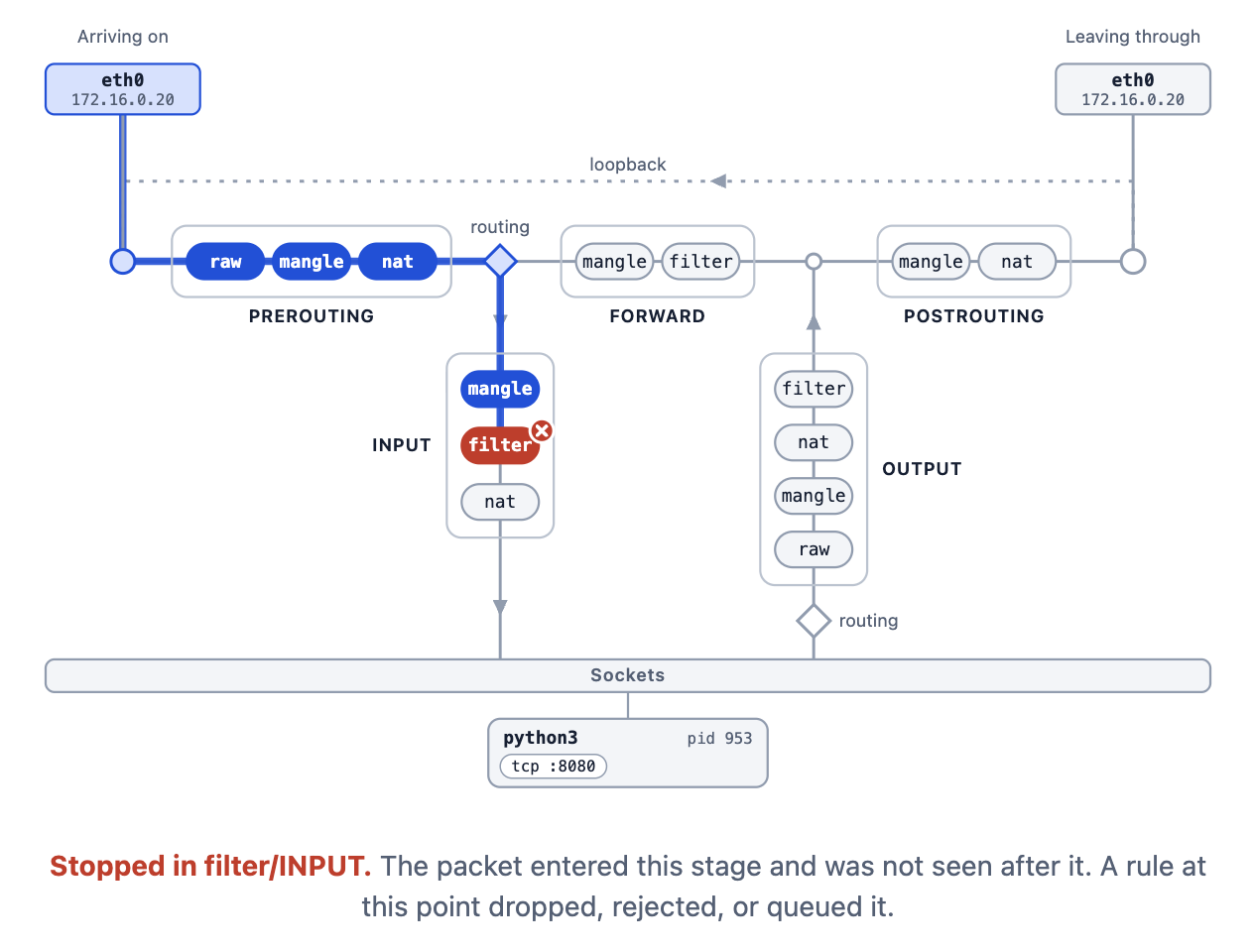
Remove the rule to let the requests through again:
sudo iptables -D INPUT -p tcp --dport 8080 -j DROP
When you are done, stop the request loop on the client machine with Ctrl+C.
Summary
- A packet that arrives for a local process crosses
PREROUTINGandINPUT. - A packet that a local process sends crosses
OUTPUTandPOSTROUTING. - The requests and the replies of one connection cross different hooks.
- A rule affects only the packets that cross its hook.
The FORWARD hook did not show up here because the server does not route packets for other machines.
Learn by doing, not just by reading or watching
Sign up for a free account to start a VM playground right on this page, track your progress, and get notified about new learning materials.

How Container Networking Works: Building a Bridge Network From Scratch
Begin with the basics to understand Docker and Kubernetes networking: learn how to create and interconnect Linux network namespaces using only command-line tools.

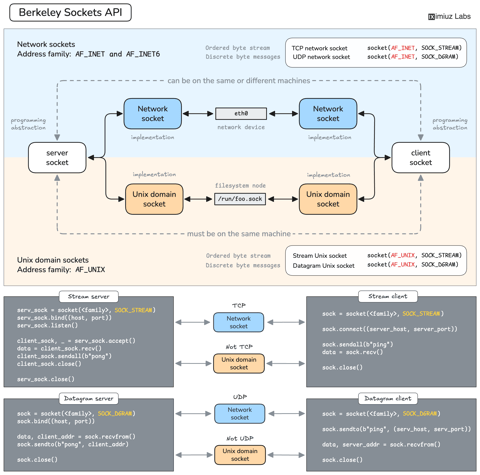
How Servers Work: A Hands-On Introduction to TCP Sockets
Learn how servers actually work by building a tiny TCP server and client from scratch. A hands-on introduction to sockets, TCP, and the network programming model every backend, DevOps, and platform engineer should go through at least once.
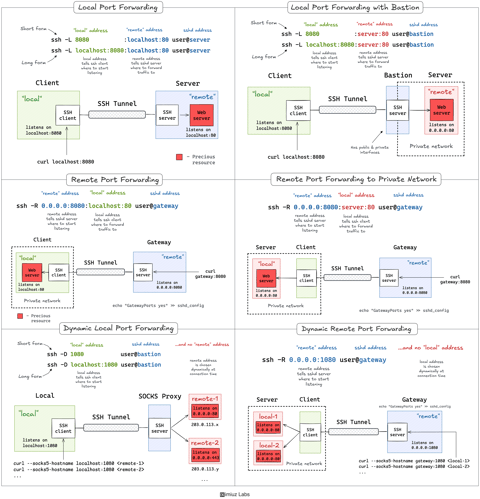
A Practical Guide to SSH Tunnels: Local and Remote Port Forwarding
SSH port forwarding explained in a clean and visual way. How to use local and remote port forwarding. What sshd settings may need to be adjusted. How to memorize the right flags.
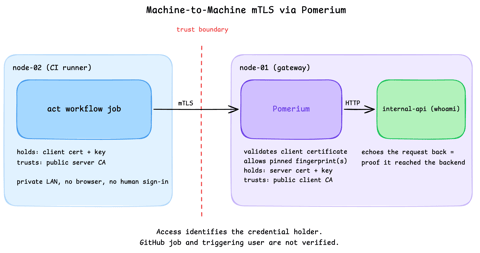
Secure Machine-to-Machine Access with mTLS and Pomerium
Run a GitHub Actions-compatible continuous integration (CI) job on a private runner and protect its internal API call with mutual TLS (mTLS) and Pomerium. Build separate server and client trust chains, authorize one machine certificate by fingerprint, then revoke, restore, and rotate its credentials through live policy changes.
