Change Your Root: Chroot Basics
Note: chroot is not used in modern container runtimes
Modern container runtimes (such as containerd, or CRI-O) do not use chroot. Instead, they rely on Mount Namespaces (CLONE_NEWNS) along with pivot_root to isolate and swap process root filesystems securely without leaving access to the underlying host root.
To learn how modern container filesystems are constructed using mount namespaces and layered images, Ivan's Container Filesystem from Scratch tutorial is a gem.
When you work with containers in Docker, Podman, or Kubernetes, one of the most visible isolation features is that each container has its own private filesystem. The container cannot see the host's /etc, /var, or /home directories unless you explicitly mount them.
Long before Linux containers, namespaces, or cgroups existed, Unix introduced a foundational mechanism for filesystem isolation in 1979: chroot (change root).
In this tutorial, you will explore how chroot works under the hood, how the Linux kernel manages root directory pointers for processes, and how to create an isolated root environment.
Step 1: What is chroot?
Every process in Linux is represented in kernel space by a task_struct. Inside this structure, the kernel maintains a pointer to filesystem context (fs_struct), which includes two crucial directory pointers:
- Current Working Directory (
pwd): The starting point for relative paths (e.g.foo/bar.txt). - Root Directory (
root): The starting point for absolute paths (e.g./etc/passwd).
When a process starts, it inherits its root directory pointer from its parent process (typically the system root /).
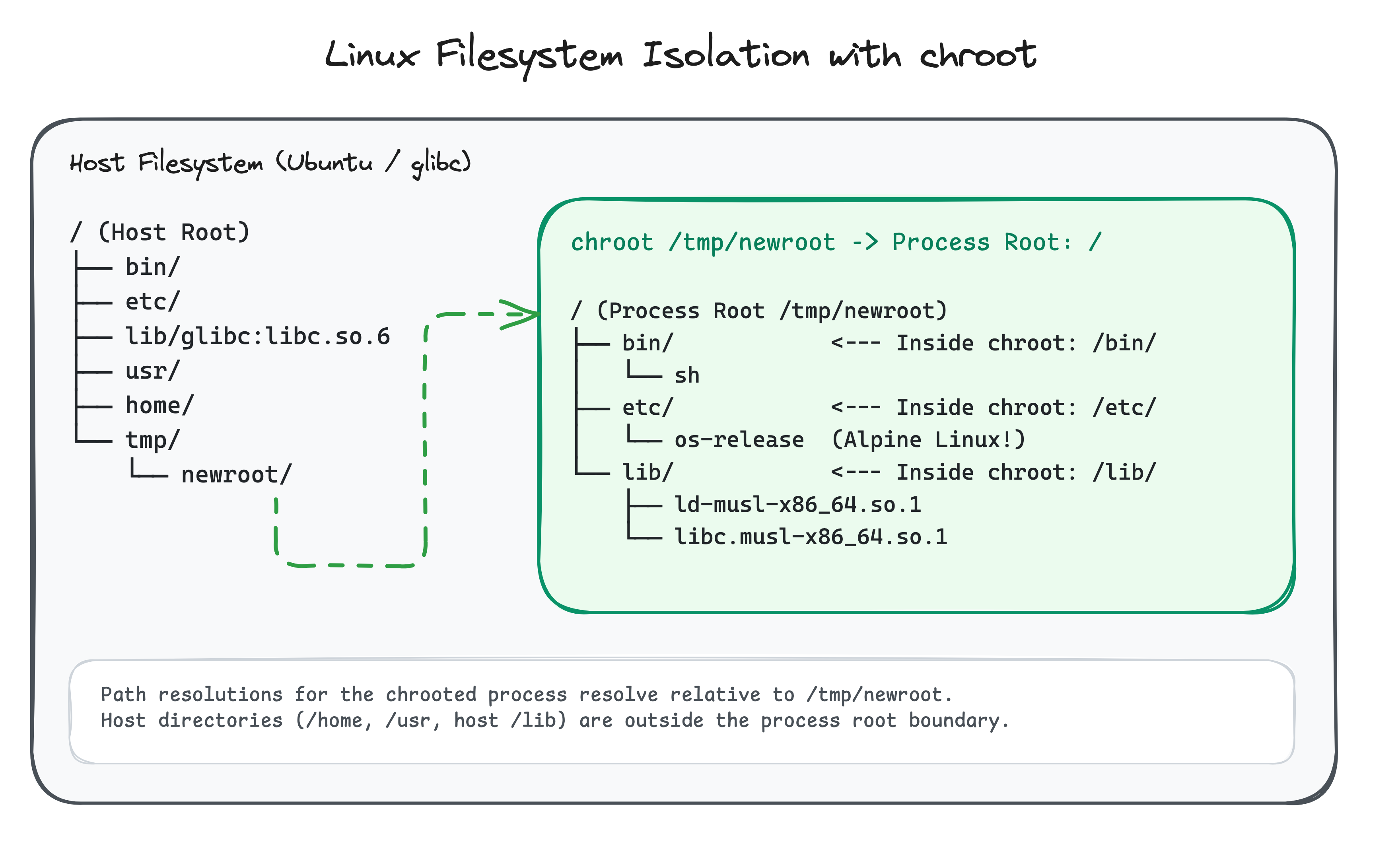
The chroot(const char *path) system call instructs the kernel to change the calling process's root directory pointer to a new location. From that moment on, whenever the process or any of its child processes resolves an absolute path starting with /, the kernel translates / to the new directory.
Step 2: (Try to) Change Your Root
Let's test what happens when you create an empty directory and attempt to chroot into it.
Create an empty directory:
mkdir -p /tmp/newroot
Now try running a shell inside /tmp/newroot:
sudo chroot /tmp/newroot /bin/sh
You will receive an error:
chroot: failed to run command '/bin/sh': No such file or directory
Why did this fail when /bin/sh clearly exists on your Ubuntu system?
Because the path /bin/sh is evaluated after the root directory is changed to /tmp/newroot. The kernel looked for /tmp/newroot/bin/sh, which does not exist.
Step 3: Setting Up a Root Filesystem
To run programs inside /tmp/newroot, the directory must contain a valid root filesystem with its own binaries and shared libraries.
Instead of manually copying individual files and libraries, you can export a lightweight container root filesystem (such as Alpine Linux) in a single command using crane:
mkdir -p /tmp/newroot
crane export alpine:latest - | tar -xf - -C /tmp/newroot
This unpacks a complete rootfs into /tmp/newroot, containing its own /bin, /lib, /etc, and standard utilities.
Step 4: Stepping Inside the chroot
Now enter the isolated root environment:
sudo chroot /tmp/newroot /bin/sh
Notice what happens:
- Check your current directory:
pwd
The output is/. - List root directory contents:
ls /
You only see the directories inside/tmp/newroot. The host's/home,/var, and/etcare completely invisible to this process. - Check the OS release:
cat /etc/os-release
Even though the host OS is Ubuntu, the chrooted shell reports Alpine Linux because it reads/etc/os-releasefrom the new root! - Try navigating above root:
cd ..
pwd
The output remains/. The kernel prevents directory traversal past the process's assigned root.
Type exit to return to your host shell:
exit
Step 5: Why chroot is Not a Container
While chroot provides filesystem confinement, it does not provide complete process isolation:
- Shared Kernel Subsystems: Processes inside a
chrootjail still share the same PID table, network stack, IPC mechanisms, and user table with the host. - Escape Vulnerabilities: A process running as root (
UID 0) inside a traditionalchrootjail can break out by creating a nested directory, callingchroot()on it, and using relativechdir("..")calls to escape the jail. - Missing Resource Controls:
chrootcannot limit CPU or memory consumption.
To solve these limitations, Linux introduced Mount Namespaces (CLONE_NEWNS), pivot_root, and dedicated namespaces (PID, NET, UTS, IPC, USER, CGROUP), forming the foundation of modern container engines like Docker and Containerd. For a deeper dive into building a full container filesystem using mount namespaces, see the tutorial Container Filesystem from Scratch.
Put it into Practice
Now test your knowledge with this hands-on challenge: export a container root filesystem with crane and run a musl-linked binary inside an isolated chroot jail!
About the Author

Writes about
Frequently covers
More tutorials you might like
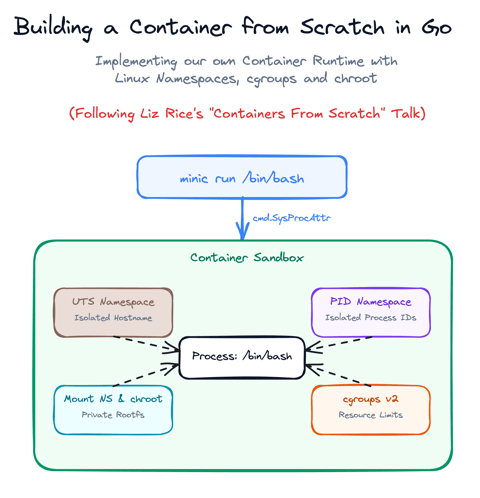
Build a Container from Scratch in Go (Liz Rice GOTO 2018)
Follow along with Liz Rice's classic GOTO 2018 presentation and build your own container runtime in under 100 lines of Go using Linux namespaces, chroot, and cgroups.

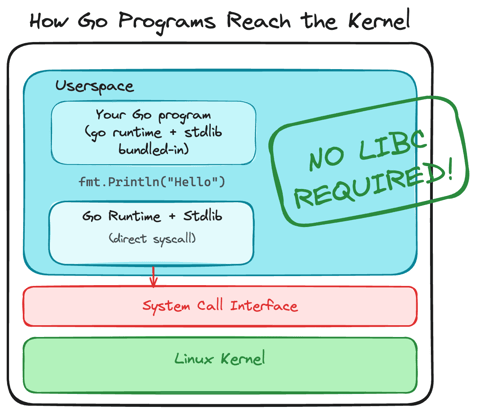
Using Go for Systems Programming
Discover how Go functions under the hood as a modern systems programming language. Learn how Go makes system calls directly, resulting in self-contained binaries that have no libc dependencies.
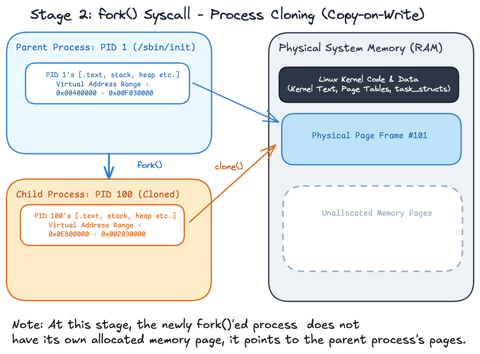
Linux Processes: From a Program to a Process
Explore what a program is, when it actually becomes a process and how the Linux scheduler manages process execution.
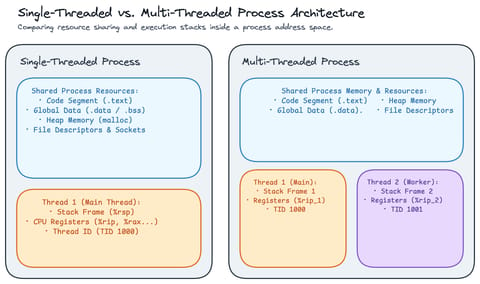
Linux Processes: Threads & Concurrency
Explore what a thread actually is in Linux, how threads relate to processes, how the Linux kernel treats both as tasks (task_struct), and how kernel scheduling enables concurrency.
Learn by doing, not just by reading or watching
Sign up for a free account to start a VM playground right on this page, track your progress, and get notified about new learning materials.