Count Optimized Assembly Instructions

After the preprocessor expands directives and macros (explored in the prerequisite challenge Inspect a Preprocessor Macro Expansion), source code reaches the second stage of the C compilation pipeline: the compiler itself. Here, the compiler parses high-level C code, analyzes its control flow, applies code optimizations, and emits target-specific assembly code. This challenge explores how compiler optimization flags alter the assembly instructions produced during this second phase.
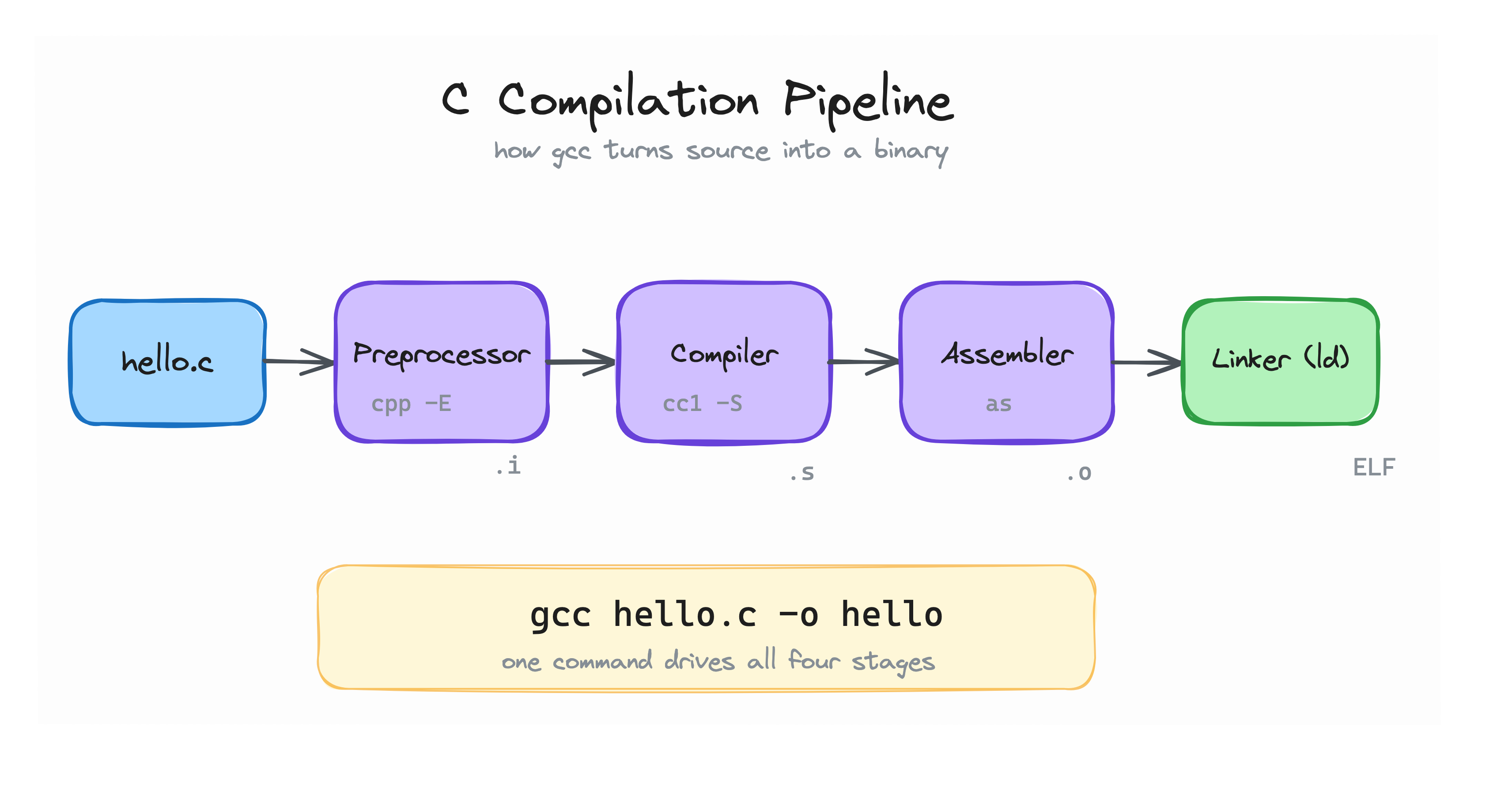
The four stages of the C compilation pipeline. This challenge focuses on the second one (compilation to assembly).
Optimization flags radically change what the generated assembly looks like. A loop that looks straightforward in C can disappear entirely when the optimizer evaluates constant expressions at compile time.
Your task is to:
- Create a workspace directory named
~/exercise. - Inside
~/exercise, create a C file namedloop.ccontaining a program that sums the first 1000 integers (from 1 to 1000) and prints the result:
#include <stdio.h>

int main(void) {
    int sum = 0;
    for (int i = 1; i <= 1000; i++) {
        sum += i;
    }
    printf("%d\n", sum);
    return 0;
}
- Change into
~/exerciseand compile the program to assembly usinggcc -O2 -S loop.c(or higher optimization flags like-O3). - Inspect the generated
loop.sfile and count the number ofaddinstructions. - Identify the exact line in
loop.sthat have the optimized result and paste it.
Prerequisite Challenge
If you haven't explored the first stage of the C compilation pipeline yet, check out the prerequisite challenge: Inspect a Preprocessor Macro Expansion.
Hint 1
Create the directory and change into it: mkdir -p ~/exercise && cd ~/exercise.
Hint 2
The command to generate assembly with -O2 optimizations is gcc -O2 -S loop.c. It produces loop.s in ~/exercise.
Hint 3
Run grep add loop.s to check if any add instructions remain in loop.s.
Hint 4
Run grep 500500 loop.s to find the exact instruction where GCC placed the precalculated sum.